Storage is only the beginning
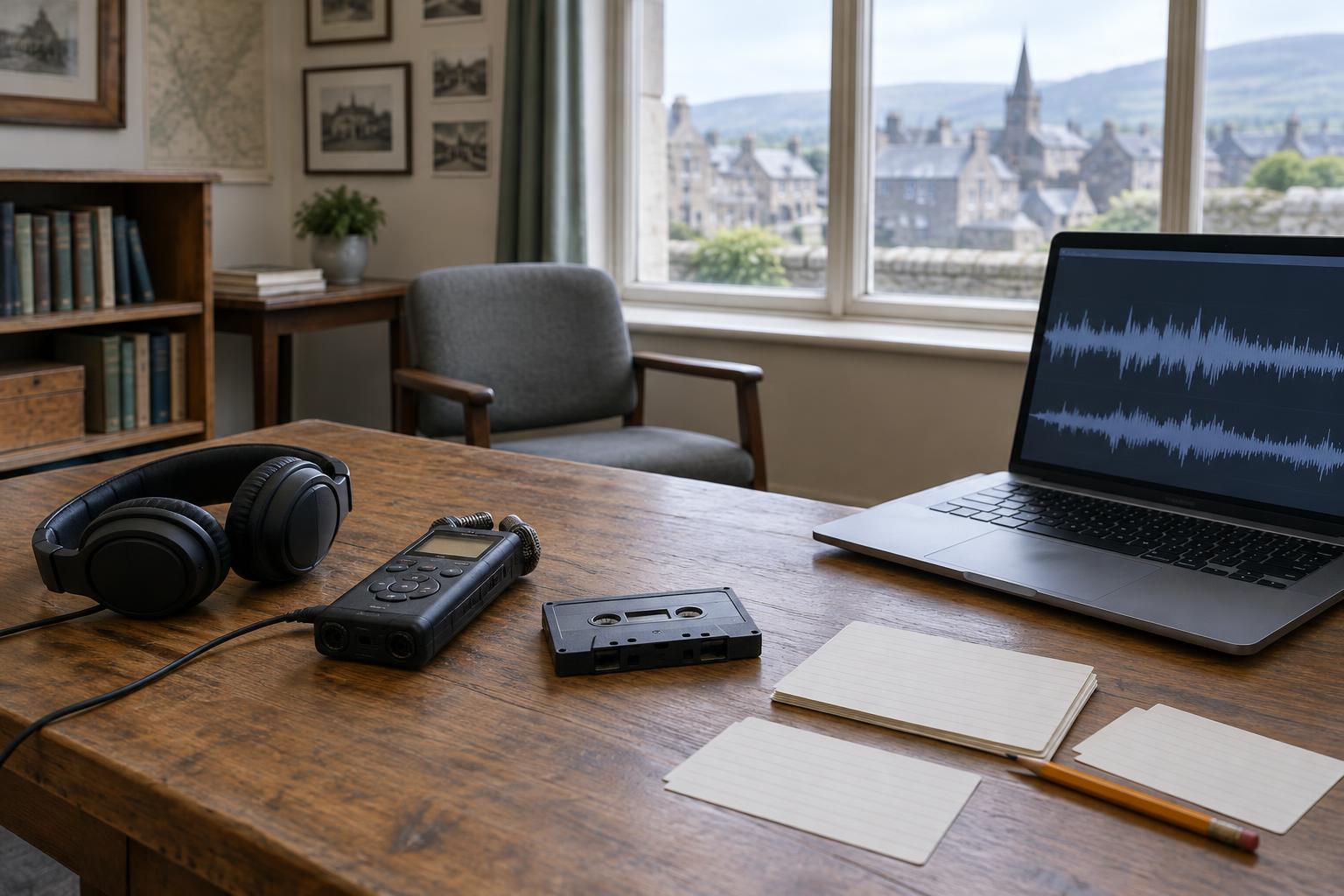
A documentary project can leave behind far more than a finished film: camera originals, sound recordings, interviews, transcripts, photographs, edits and notes. For a community film about a Scottish town, those working materials may preserve voices and views that never appear in the final cut. Keeping them on a hard drive is a useful first step, but the drive is a container, not an archive.
A drive can fail, be misplaced or be overwritten by mistake. Even if it continues to work, its files may become difficult to understand when the person who made them is no longer available to explain the folder names. Preservation means protecting the files and the information needed to identify, interpret and use them. It also means deciding which materials are worth the effort of keeping. A small, well-described collection may be more useful than a larger one whose contents nobody can navigate.
Keep copies that cannot share the same accident
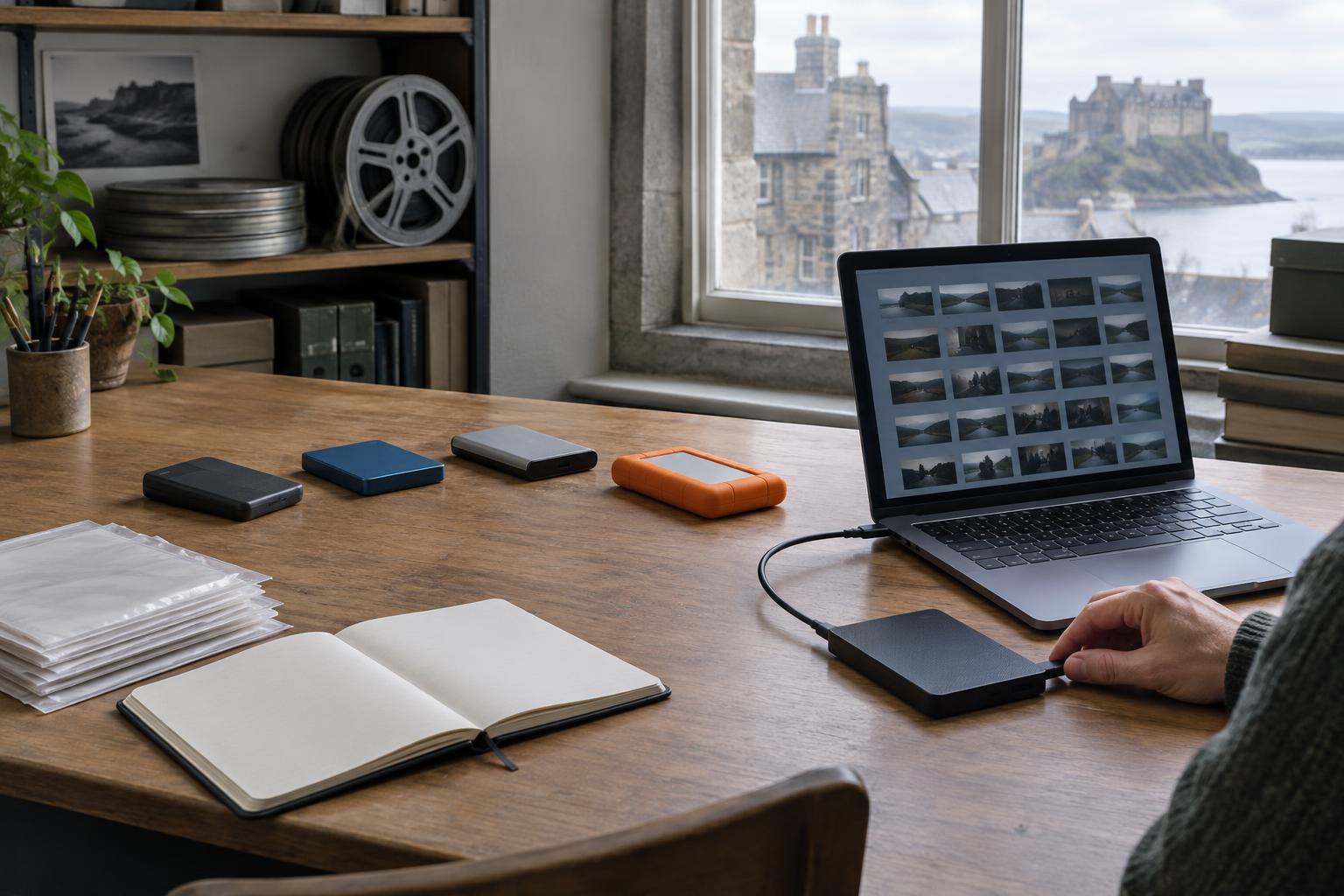
Begin by separating your working files from preservation copies. A working drive can serve an editor’s day-to-day needs, while another copy remains untouched except for planned checks. Keep at least one copy in a different location or account so that theft, flooding or an accidental deletion does not affect every version at once. If you use cloud storage, check whether it provides a separate backup or merely synchronises changes: synchronisation can carry a mistaken deletion to other devices.
For footage you cannot replace, consider using more than one kind of storage. The familiar “3-2-1” approach—three copies, on two types of storage, with one kept elsewhere—is a helpful planning guide, not a guarantee. Whatever arrangement you choose, write down where the copies are and who can access them. A backup that no one can locate, unlock or restore may offer little practical protection.
Check that the files are still the same files
Copying footage is not the same as confirming that the copy is complete. A checksum is a short value calculated from a file’s contents. If a checksum made when a file is received matches one calculated later, that offers strong evidence that the file has not changed. File-copying and archival tools can generate checksums and compare them across drives. Even a modest collection benefits from a record of when copies were made and checked.
Checks should form a routine rather than a one-off task. Drives need to be connected and read periodically, and any error deserves investigation before a damaged copy replaces a good one. Test a few restores as well: make sure you can retrieve files from the backup and open them. Keep the original video and audio files whenever possible, including their original names or a reliable record of any renaming. Smaller viewing copies are useful for access, but they need not replace the source material.
Preserve context alongside the picture
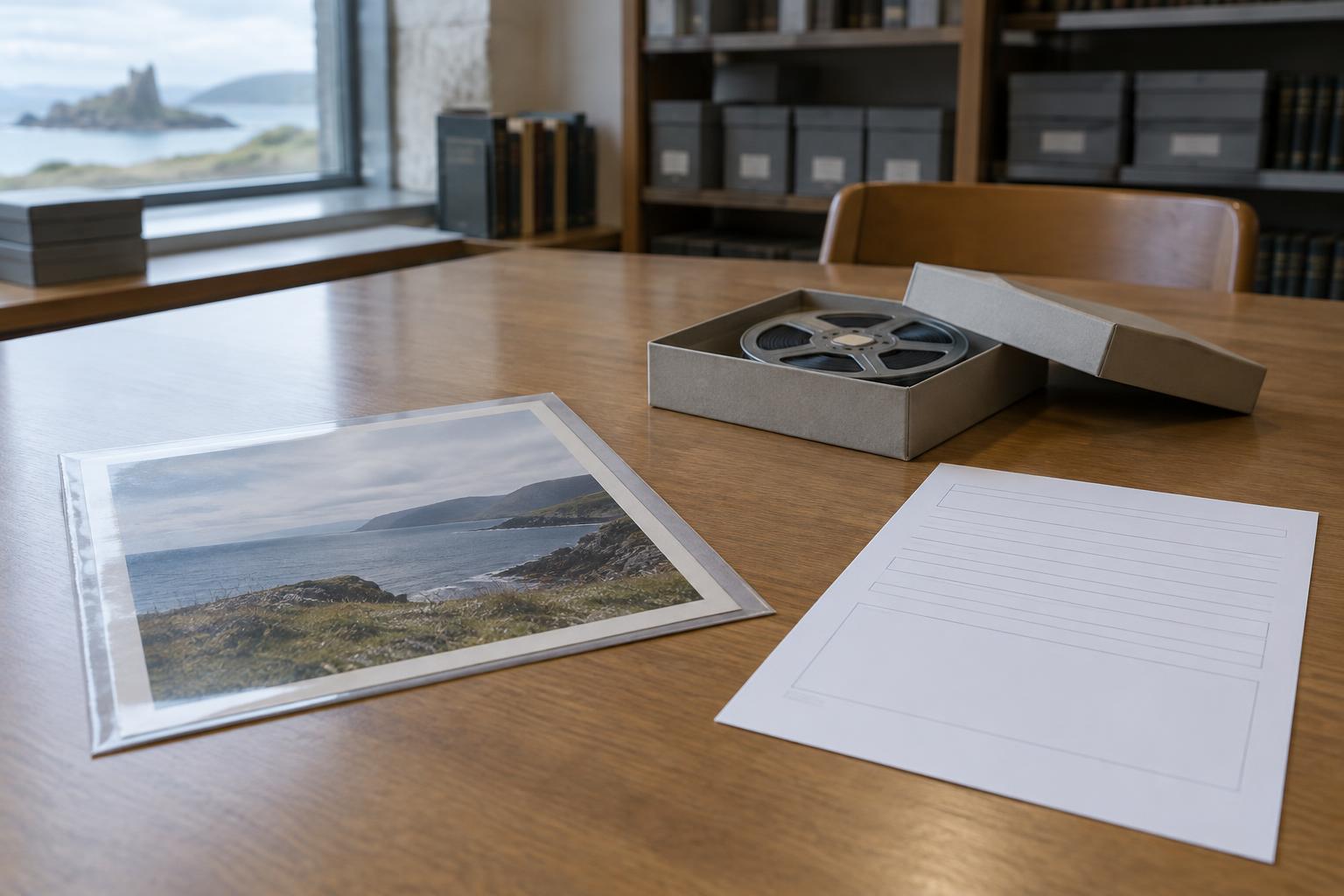
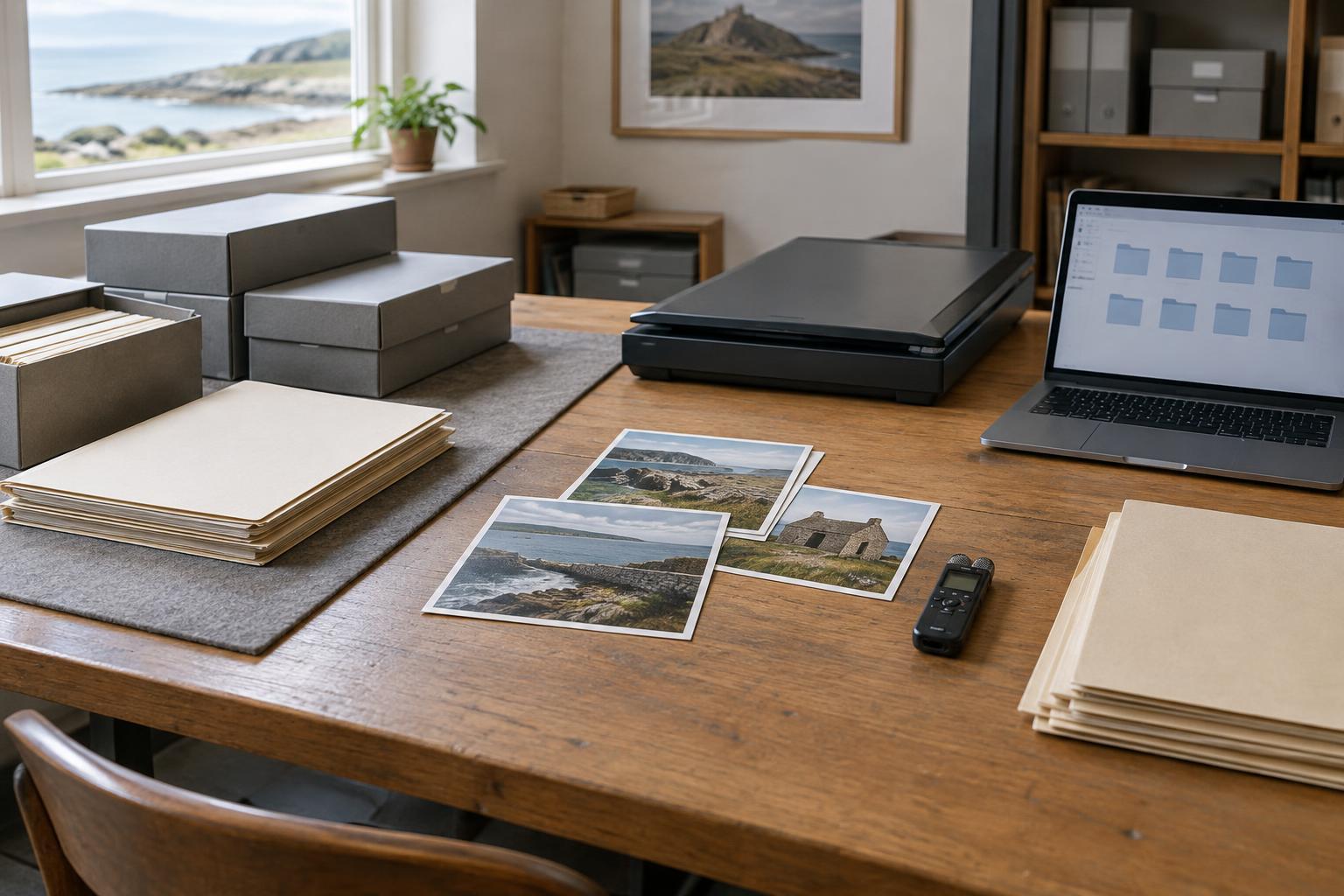
An interview clip labelled “final_final.mov” tells a future viewer very little. Record who made or supplied the footage, what it depicts, where it was filmed, and whether a date or location is certain or approximate. Note the language spoken, the names of people who have agreed to be identified, and any restrictions on use. A simple spreadsheet or text document can be enough if it stays with the collection and uses consistent terms.
Context matters especially when footage is used to tell local history. A shot of a harbour, street or former industrial site may be valuable, but its appearance alone cannot establish what happened there or when. Keep interview notes, captions, permissions and evidence for identifications close to the relevant files. Distinguish an eyewitness account from a later interpretation, and label reconstructions or newly created illustrative material clearly. These habits help a future filmmaker use the material without mistaking an editorial choice for an archival fact.
Make a plan for future access
Digital preservation is ongoing. Drives, connectors, software and preferred file formats change, so plan to review the collection and move it to new storage when necessary. Document what software or equipment is needed to open unusual files, and retain high-quality versions rather than relying only on compressed uploads. A short inventory, a description of the folder structure and a named person responsible for the collection make later handovers easier.
Access also needs care. An interviewee may have agreed to speak to one filmmaker without expecting every unedited answer to be published. Before sharing a collection with a local archive, heritage group or collaborator, review permissions and sensitive material, and agree on what can be viewed or reused. The goal is not simply to keep every bit indefinitely. It is to leave future viewers with video they can find, open, understand and handle responsibly.