Start with the photograph’s purpose
A photograph of a Scottish street, family gathering or fishing boat can serve several purposes. You might want a clear image for a website, a close view of a sign in the background, or a preservation copy that will spare a fragile original from repeated handling. Decide what the digital image needs to do before setting up the scanner. A quick reference copy and a carefully made master file are different products.
Record what you know about the original first: its size, whether it is a print or negative, any writing on the back, and where it came from. Keep uncertainty visible. A caption such as “possibly taken in Arbroath” is more useful than a confident place name you cannot verify. Resolution captures detail, but it cannot replace the context that makes an image valuable to a local history collection.
Choose resolution by original size and intended use
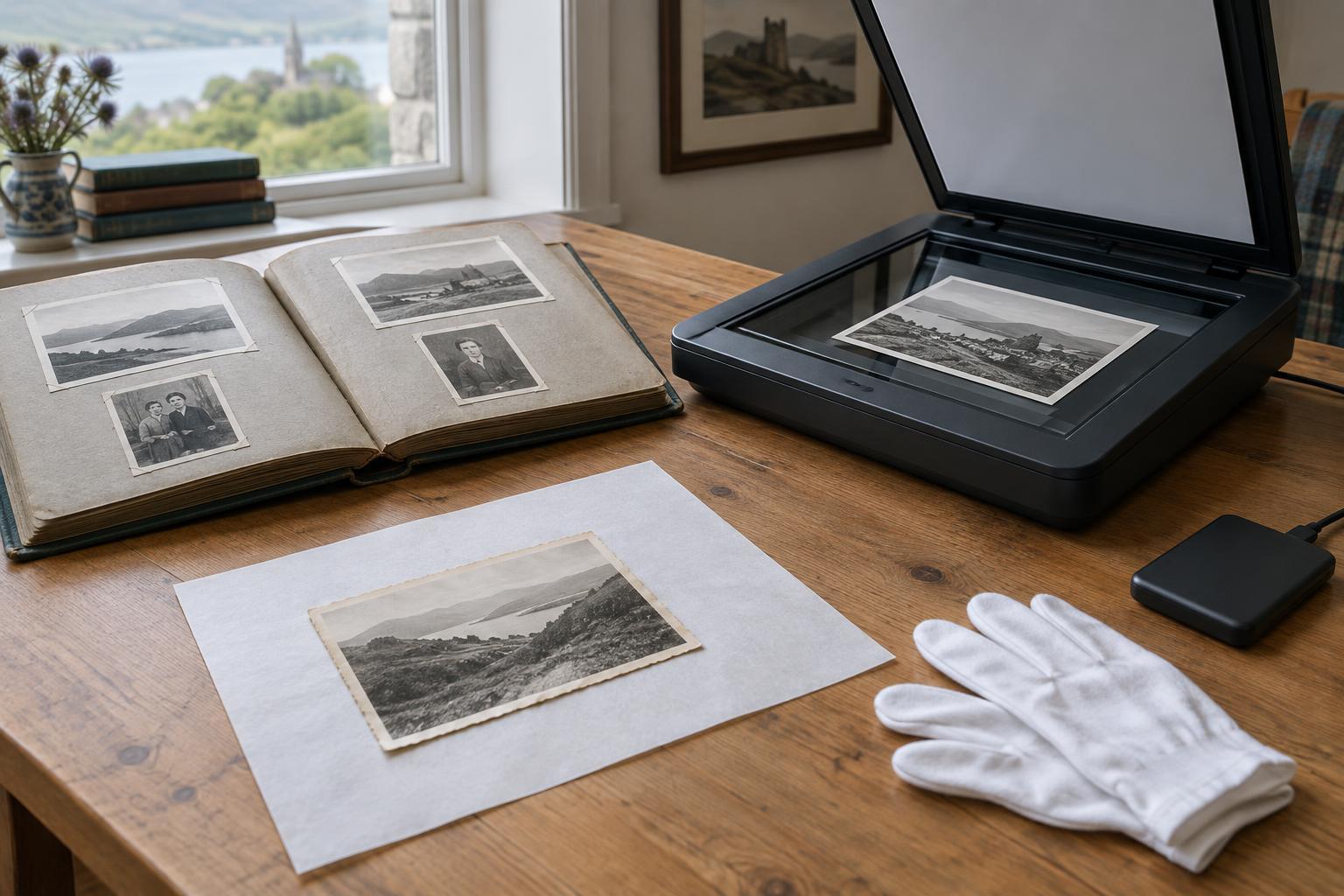
Scan resolution is usually expressed in pixels per inch, or ppi. The right setting depends on the size and detail of the original, not just a scanner’s highest advertised number. For a print, 300 ppi can be adequate for many straightforward viewing and reproduction needs. Scanning a small print at 600 ppi gives more room to enlarge it or inspect details. For example, a 6-by-4-inch print scanned at 600 ppi produces an image about 3,600 by 2,400 pixels.
Negatives and slides are much smaller than prints, so they generally need a higher scan resolution to produce a useful image. A setting in the thousands of ppi may be appropriate, depending on the film and equipment. Try a test scan and inspect it at full size: increasing the setting is worthwhile only while it captures more genuine detail, rather than larger files of blur, grain or scanner noise.
Use the scanner’s optical resolution where possible, rather than relying on software interpolation that adds pixels without recovering lost information. Include the whole photograph in the master scan, even if you plan to crop an access copy later. Edges, borders and marks may hold clues about how the photograph was made or kept.
Keep a master file and make copies for use
For a preservation master, an uncompressed or losslessly compressed TIFF is a practical choice: it retains image data without JPEG-style compression and is widely supported. The files can be large, but that is easier to manage than discovering later that an important detail was discarded. If you photograph originals with a digital camera, retain the camera’s original file too. An edited export should not be your only surviving version.
JPEG is useful for sharing images online, sending previews and placing photographs in working layouts. Its smaller size comes from lossy compression, so repeated editing and saving can reduce quality. Make JPEGs from the master rather than treating them as masters. PNG is useful for certain graphics or images needing lossless delivery, but it is not usually the most convenient default for a photographic preservation collection.
For many prints, a well-exposed 8-bit-per-channel scan is workable. Higher bit depth can provide more flexibility when adjusting difficult tones, especially in negatives or faded material, if the scanner genuinely captures that information. Whatever you choose, check that highlights, shadows and colours look plausible before moving on to a whole box of photographs.
Handle originals carefully and check the result
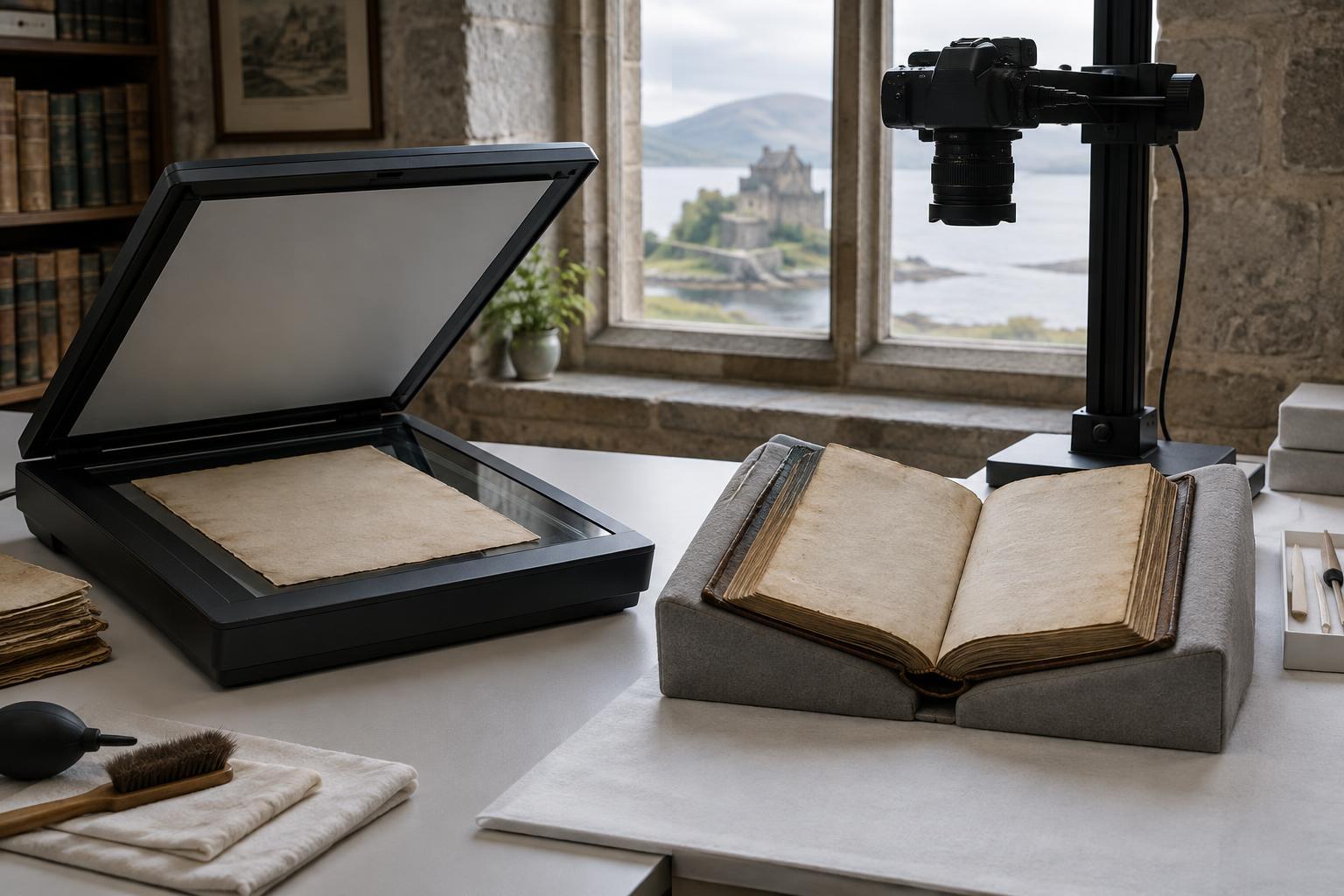
Clean the scanner glass and remove loose dust from an original only when you can do so safely. Do not force a curled or brittle photograph flat. If an album page cannot be removed without damage, photograph it in place or seek help from someone experienced in caring for collections. A technically sharp scan is not worth harming the object.
After scanning, check a sample at full size for focus, dust, clipped edges and unexpected colour changes. Compare it with the original under reasonable light. Keep a version that shows the photograph as it survives, with stains or fading intact; make any restored or heavily adjusted version separately and label it as edited. This distinction matters when an image is used to interpret a place or event on film.
Make the files findable and keep them safe
Use consistent filenames that identify an item without depending on a long descriptive caption. Keep a separate record linking each file to its physical original, known creator, approximate date, location, rights information and any uncertainties. If you scan a photograph’s reverse, label that file clearly and connect it to the front. These modest habits help someone else understand the collection years later.
Store masters separately from the smaller copies used for publishing. Keep more than one backup, ideally in different places, and periodically check that files still open and can be found. Digitisation reduces handling and broadens access, but it does not make the original disposable. The photograph, its physical marks and the story of how it reached the collection remain part of the historical record.