What a checksum tells you
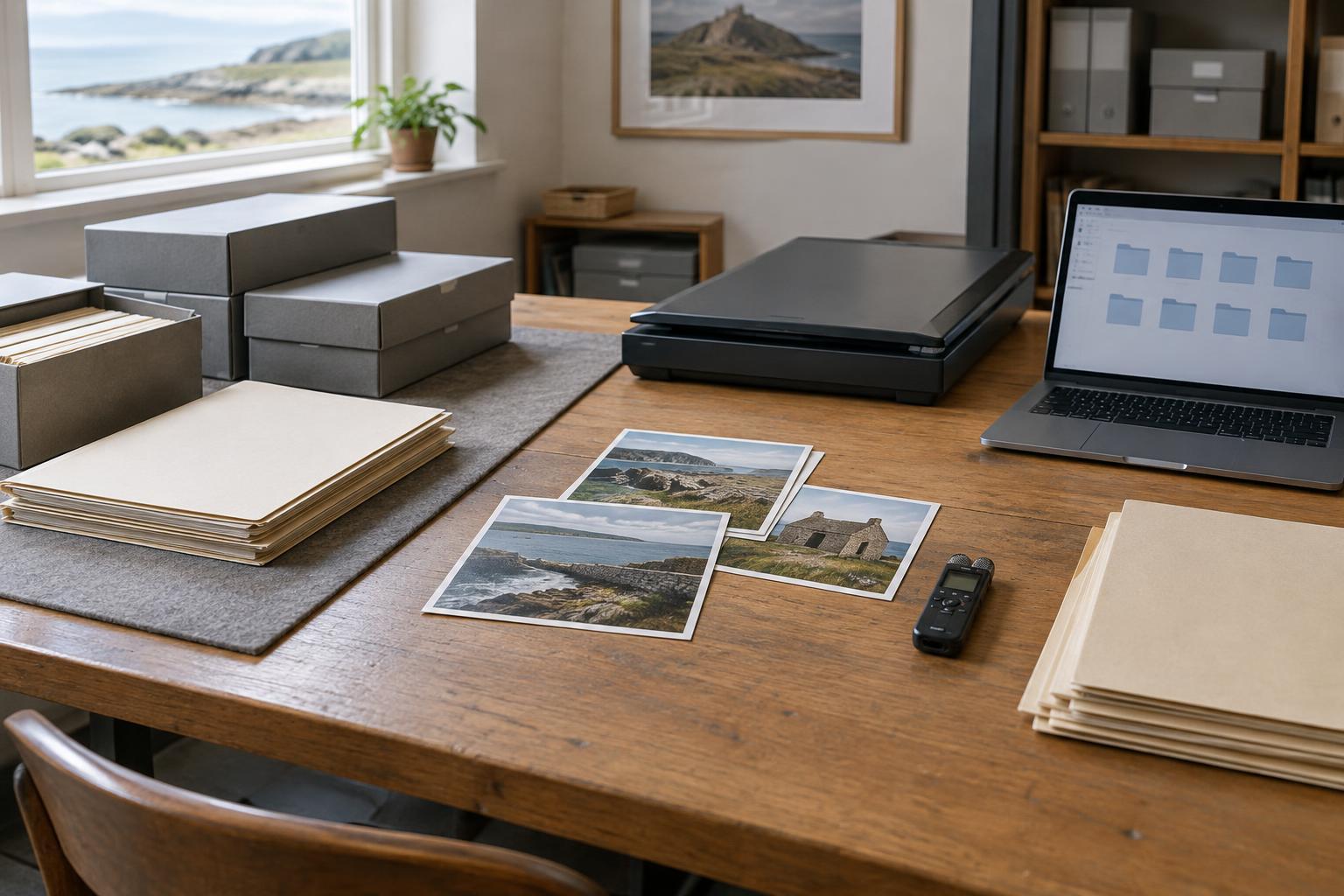
A digital collection may contain scanned photographs, recorded interviews, film transfers, subtitles and project files. A file can look unchanged in a folder while its contents have altered. A checksum offers a way to check: software reads the file and produces a short string of characters calculated from its contents. If the same calculation later produces a different string, something has changed.
A checksum is often described as a digital fingerprint, but the comparison matters more than the label. You need an earlier value recorded for the file, the name of the algorithm used to calculate it, and a later calculation made with that same algorithm. A match gives good reason to think the file’s bits are unchanged. It does not tell you what the file depicts, who made it, or whether its description is accurate.
Start with a trustworthy reference point
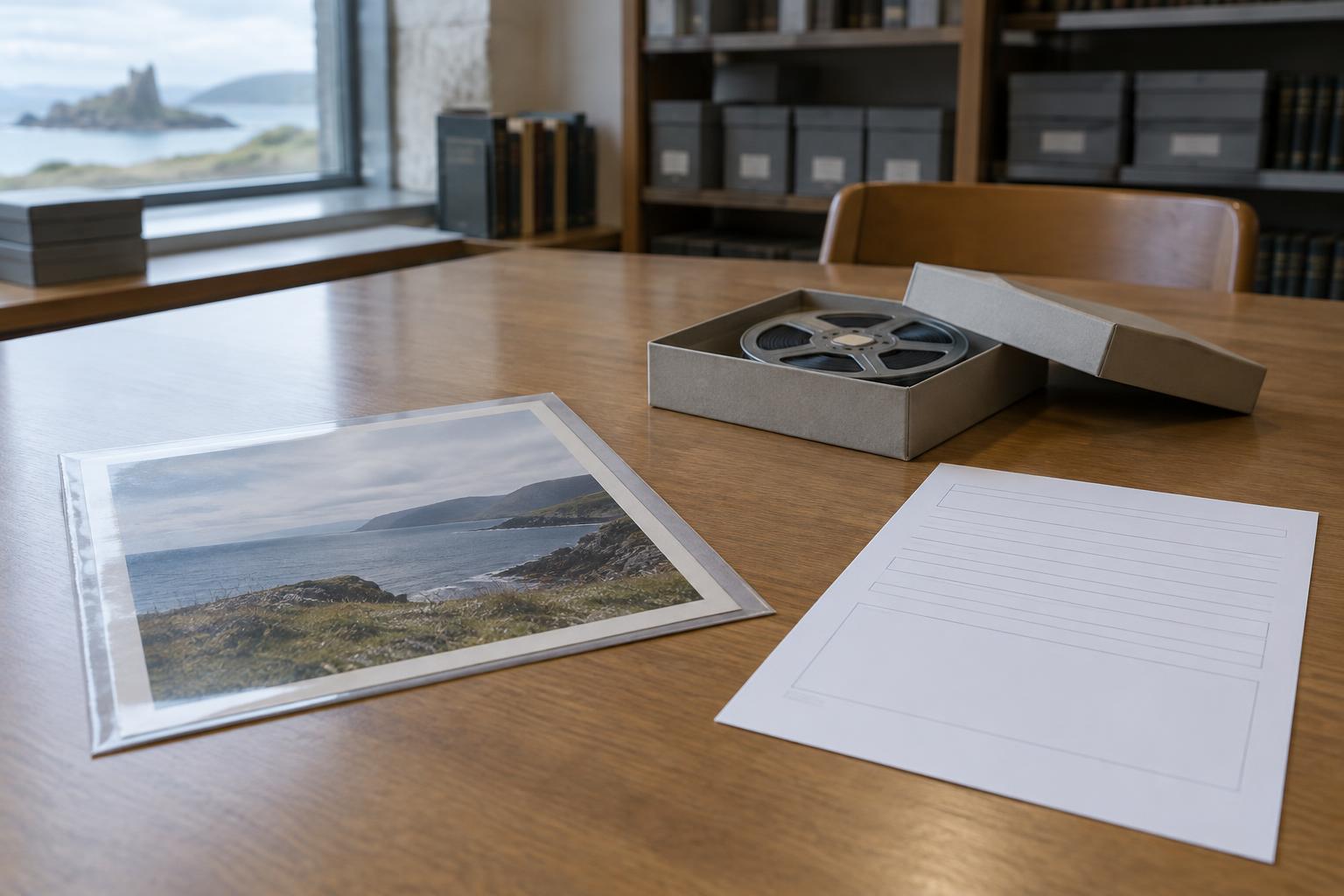
In preservation work, the first checksum is often made when a file enters an archive. An archivist might receive a digital film transfer alongside a scan of its box label and a document describing the transfer. Recording a checksum for each file creates a reference point against which future copies can be checked. Common cryptographic hash algorithms, such as SHA-256, are suitable for this purpose; whatever tool is chosen, the archive should record which algorithm it used.
Timing matters. If a file was already damaged before its first checksum was made, the checksum will faithfully describe that damaged version. It cannot reconstruct an earlier one. When files arrive with checksums supplied by their creator or sender, comparing those values with freshly calculated ones can help check whether the transfer changed the files. Any mismatch calls for investigation, not an automatic decision about which version is correct.
The reference point should travel with useful context. A record might include the file’s name, its place within a collection, the algorithm and checksum value, when the calculation was made, and which copy was checked. A manifest listing these details makes checks easier to repeat. Keep it under the archive’s normal recordkeeping controls so that a changed file cannot quietly acquire a new reference value.
Use checksums when files move and over time
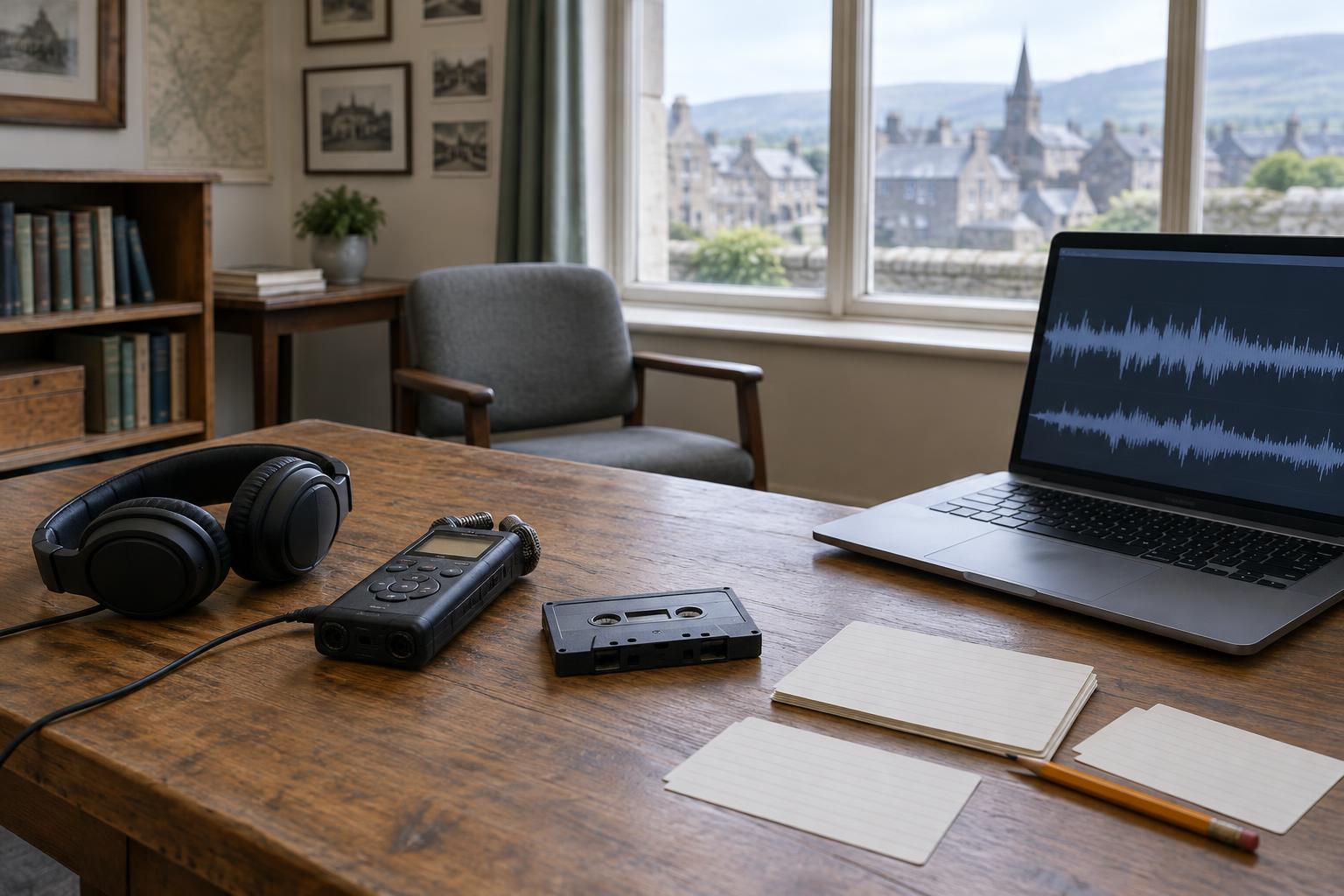
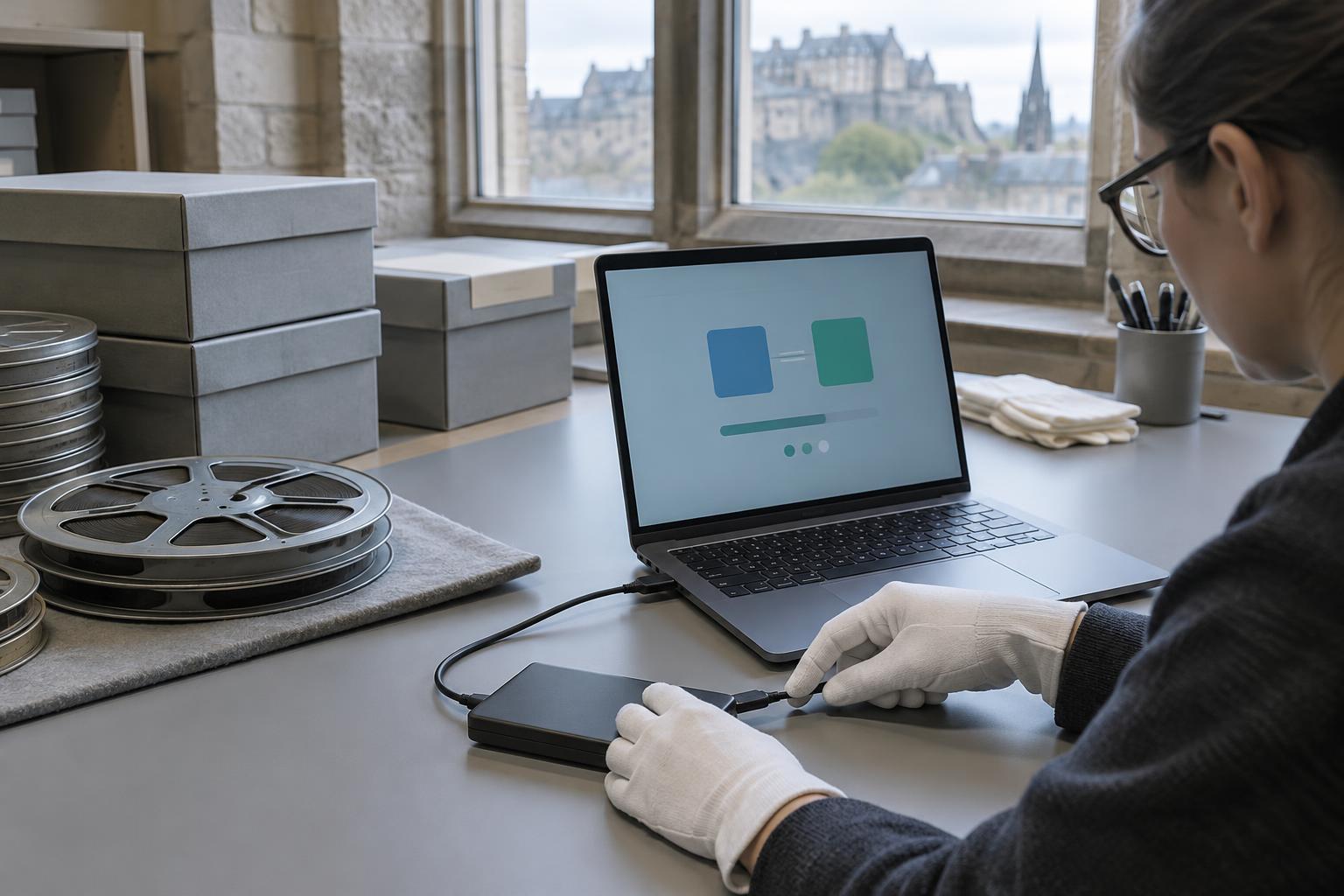
Moving files creates a clear opportunity for verification. After copying a set of oral-history recordings from an intake drive to preservation storage, calculate checksums for the destination files and compare them with the intake values. If they match, the copy has preserved the checked contents. If one differs, pause before deleting or replacing either version. Check that the comparison used the right files and algorithm, then examine the available copies.
Checksums also support routine fixity checks: repeated comparisons intended to reveal unexpected changes during storage. An archive can decide how often to check based on its resources and the importance of the material, then document that schedule. Logging the results, including failures and the steps taken afterward, is more useful than simply reporting that a check ran. A failed check may signal corruption, an incomplete copy, an authorised edit, or a recordkeeping mistake.
For a growing collection, automation can make these checks manageable. Even a modest archive benefits from a consistent process: identify the files to preserve, establish baseline values, verify new copies, and review exceptions. The goal is not to produce strings of characters for their own sake. It is to notice changes while enough information and alternative copies remain to respond.
Know what a match cannot prove
A matching checksum tests whether the checked file contents match an earlier recorded state. It does not authenticate an image as a historical photograph or prove that a film was shot in the place named in its catalogue entry. Those questions depend on provenance, documentation and interpretation. Nor does a match guarantee that a file can still be opened: software, formats and playback equipment present separate preservation challenges.
Intentional changes need careful handling too. Correcting a transcript, adding captions, or creating a smaller viewing copy will usually produce a different checksum. Keep the original where appropriate, identify the new version, and record its own checksum rather than treating every difference as damage. This distinction is especially helpful in documentary work, where an unaltered source file and an edited presentation may both need to be retained.
Make the record useful to future caretakers
A preservation record should make it possible for someone else to understand what was checked and why. Clear file identifiers, named versions, checksum manifests and notes on transfers can help a future caretaker distinguish an expected edit from an unexplained change. Those records belong alongside sensible backups and documentation of a collection’s origins; checksums do not replace either.
For Scottish history collections, that care protects more than files. It helps keep the link between a digitised reel, a recorded voice, a regional collection and the evidence used to describe them. Checksums cannot settle a historical question, but they can help ensure that the digital material available to examine has not changed unnoticed.